Free
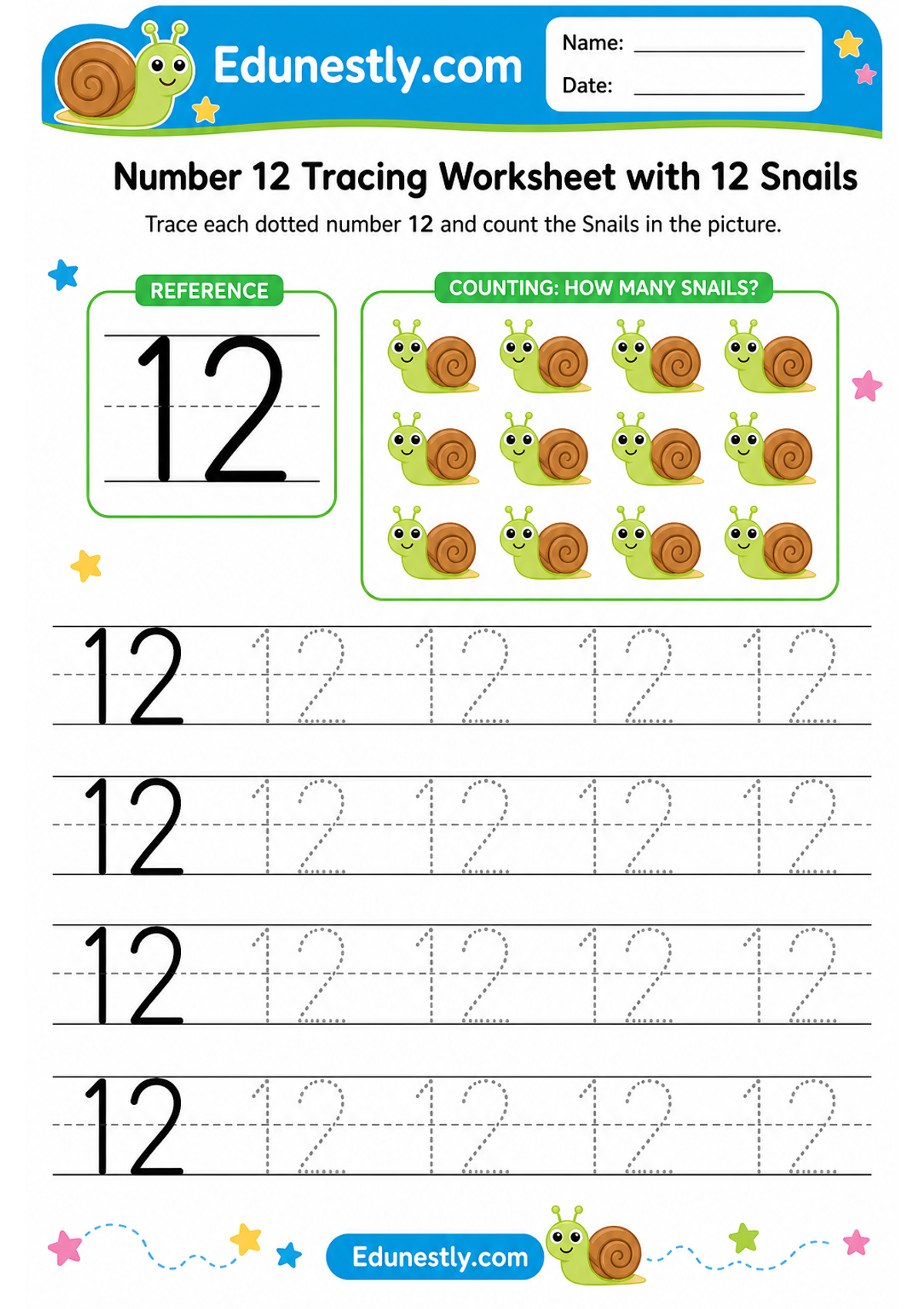
Number 12 Tracing Worksheet with 12 Snails
Instructions
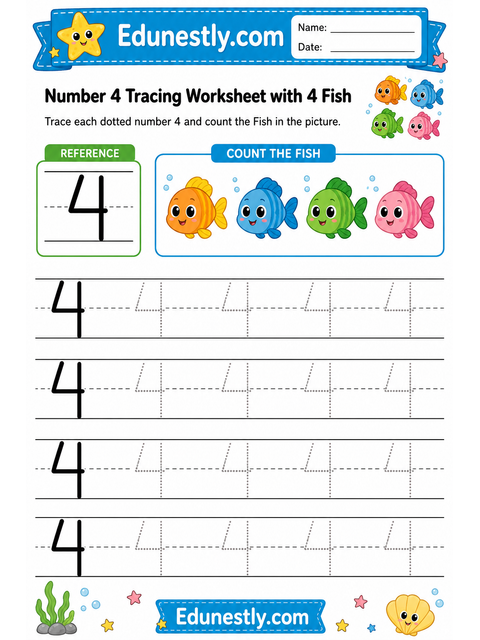
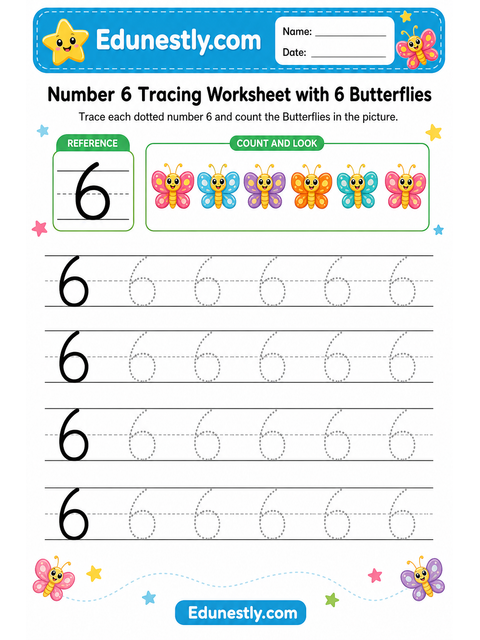
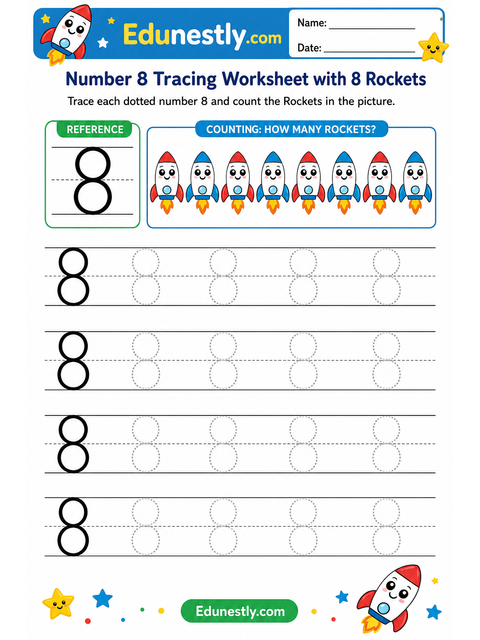
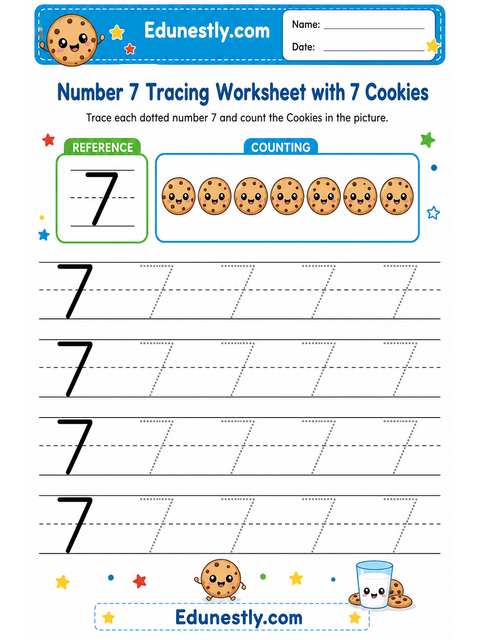
Trace each dotted number 12 and count the Snails in the picture.
Learning objective
Recognize and trace the number 12 while counting 12 object(s).
About this worksheet
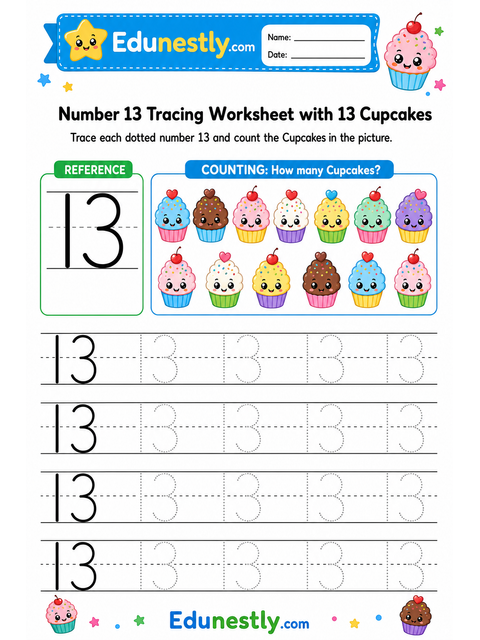
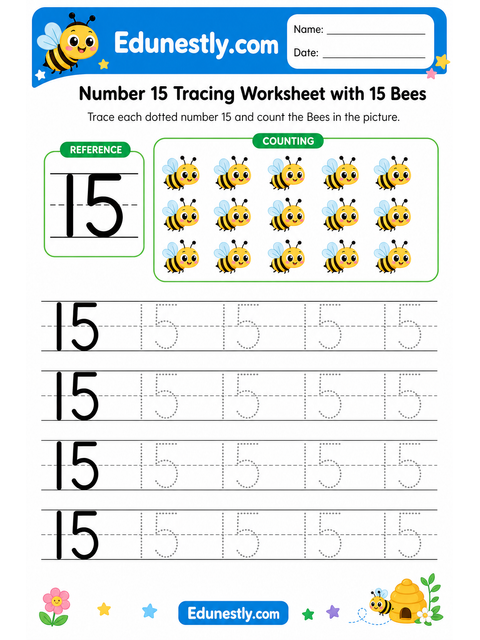
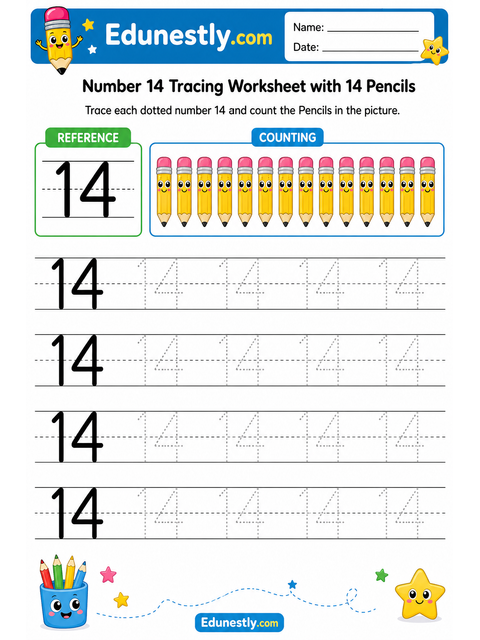
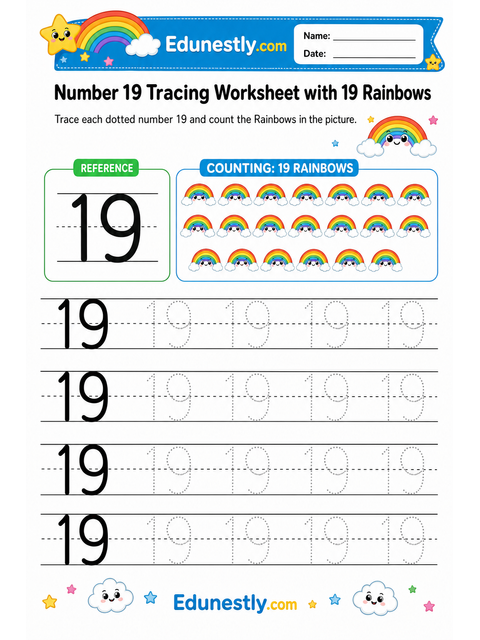
This printable number-tracing sheet puts the written numeral next to a matching group of objects to count. That pairing is the point: your child practices the pencil strokes and connects the symbol to the quantity it stands for at the same time.
Counting to 12
The number 12 is written as the word “twelve”.
Count the pictures in two goes: ten first, then 2 more. Counting on from ten is easier than starting again.
How to use this worksheet
- 1Print the sheet at 100% scale on A4 or Letter paper.
- 2Sit your child at a table with good light, and a sharpened pencil or a thick crayon for smaller hands.
- 3Trace each dotted numeral, then count the objects out loud and say the number.
- 4Stop while it is still fun. Five to ten minutes is plenty at this age, and a short happy session beats a long frustrating one.
What your child practices
- Recognizing the numeral
- Counting a group and matching it to a number
- Pencil grip and hand strength
- Focus, and following an instruction to the end
You will need
- A printer, and A4 or Letter paper
- A pencil, or thick crayons for younger children
- Colored pencils or crayons for the picture
Printing tips
- Print at 100% scale. “Fit to page” shrinks the guides and makes them harder to trace.
- Slide the sheet into a plastic pocket and use a dry-wipe pen — now it can be reused every day.
- Print two copies: one to try on, one to keep once it goes well.
Common questions
- Is this worksheet really free?
- Yes. Every worksheet on Edunestly is free to download and print. There is no account to create and no watermark on the PDF.
- What age is it for?
- It is designed for ages 3-6. Age ranges are a guide, not a rule — follow the child in front of you rather than the number.
- Can I use it in my classroom?
- Yes. Print as many copies as you need for your own class or childcare group. Please link back to the page rather than re-hosting the PDF elsewhere.
- The letters print too small — what went wrong?
- Almost always the print dialog is set to “fit to page” or “shrink oversized pages”. Set scaling to 100% (or “actual size”) and print again.